Dear Developers,
Since the beginning of this year, we have focused on improving the developer experience, providing best-in-class support for app development. We are committed to this mission and advancing towards becoming the best developer-friendly organisation in the SaaS ecosystem.
We are excited to announce two major enhancements in this regard. The revamped signup experience and new and improved developer portal with decoupling of product account dependency for public apps listing.
Why this change and the problem we heard
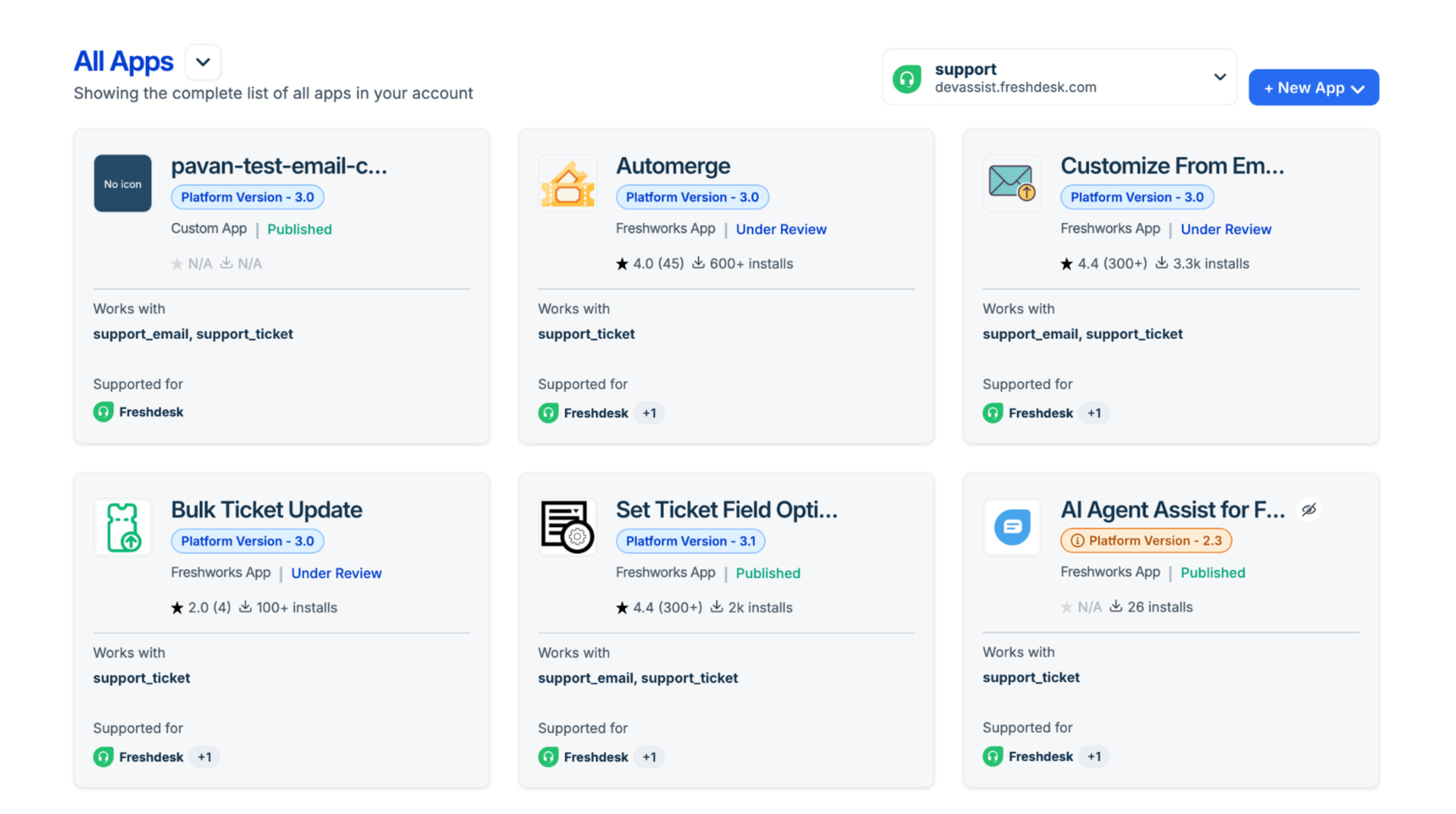
Until now, public apps listing for Freshworks Apps (aka Public Apps) and External apps were tightly tied to Freshworks product accounts. Many of those accounts are developer trials. When a trial expired or an account was removed, your public listing could be put at risk, even though the app itself wasn’t “trial software”. and the developer accounts are still active (they do not expire). That created risk and friction of your app’s continuity could depend on the lifecycle of individual trial SKUs that lead to issues listed below
- Your published apps are not being shown in the developer portal, as the trial account has been deleted
- It pushed teams into awkward workarounds: renewing trials mainly to keep a listing alive
- Spinning up new accounts and opening ownership transfer requests when the original account is gone
- All this extra overhead resulted in delays in providing critical app fixes, leading to developer escalations.
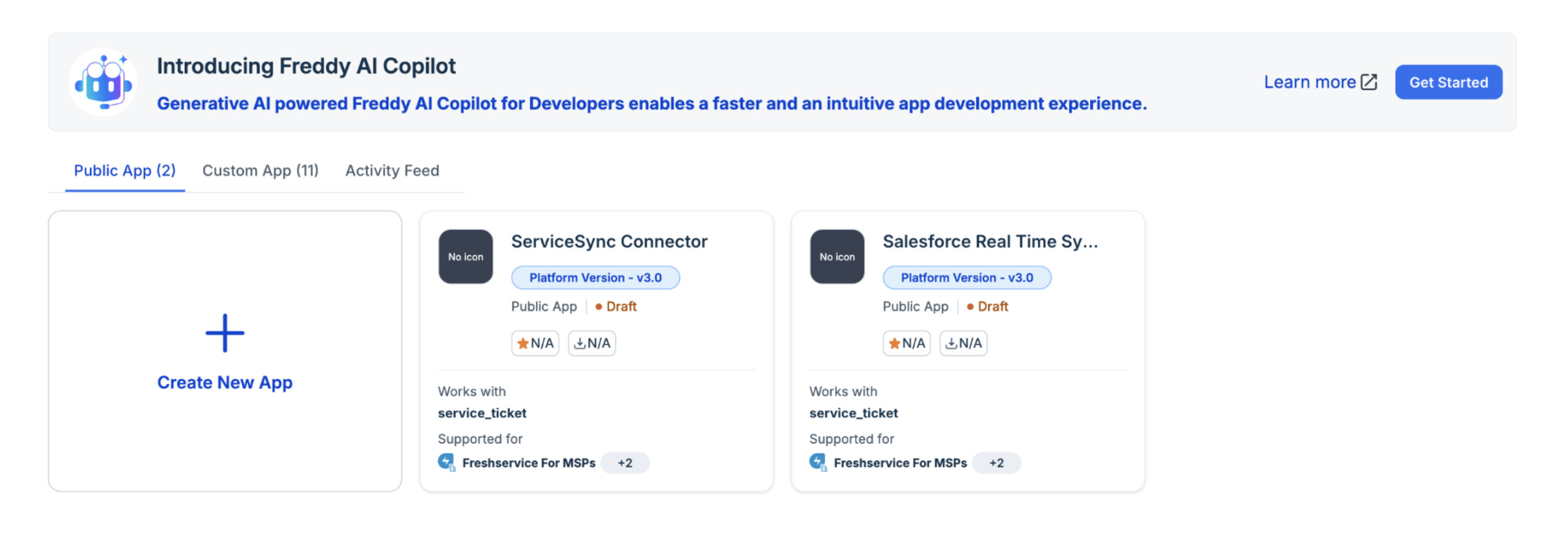
Public app listings no longer depend on product trials
We’re improving how you manage public apps in the Freshworks Developer Portal. With this release, we’re decoupling public apps from product accounts. Public apps include Freshworks apps and external apps that are owned and managed directly in the Developer Portal without being dependent on your product accounts and trials. Listing lifecycle is no longer tied to a particular product trial or it being still active.
What about custom apps?
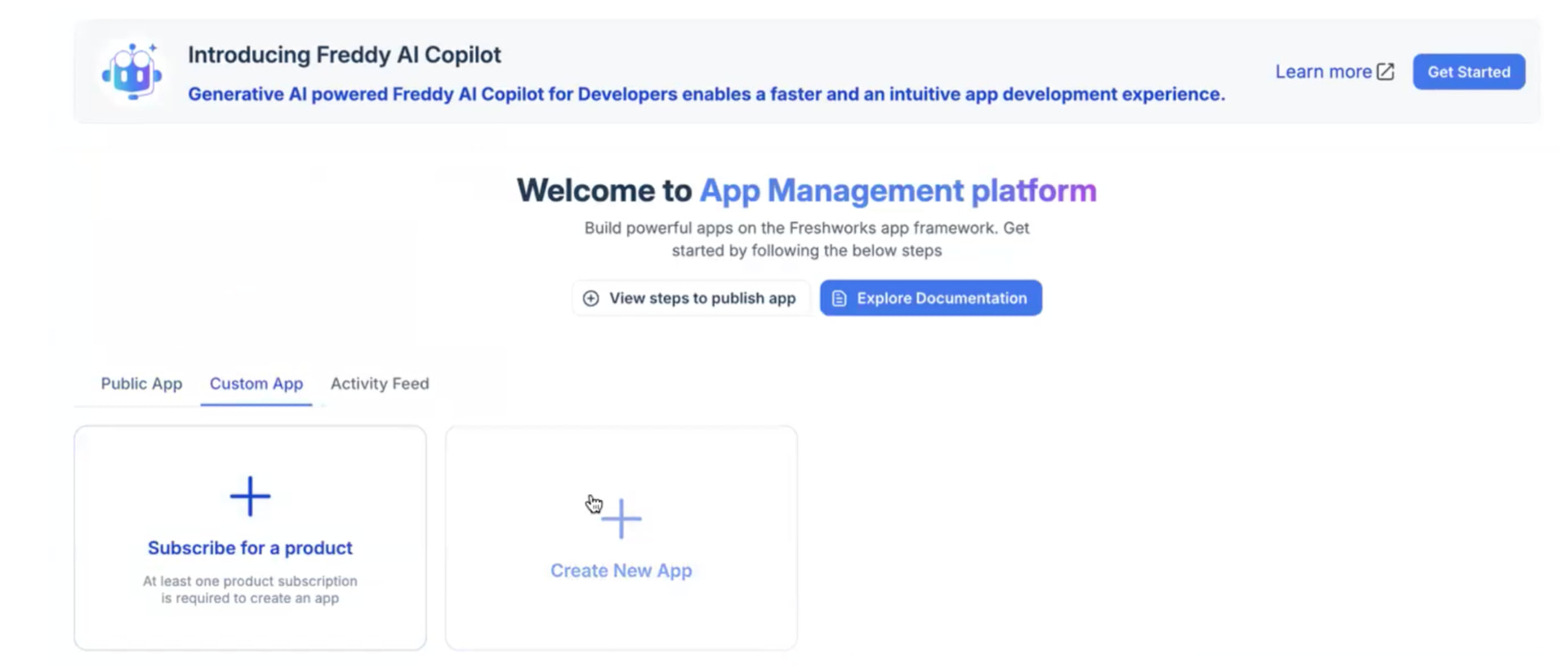
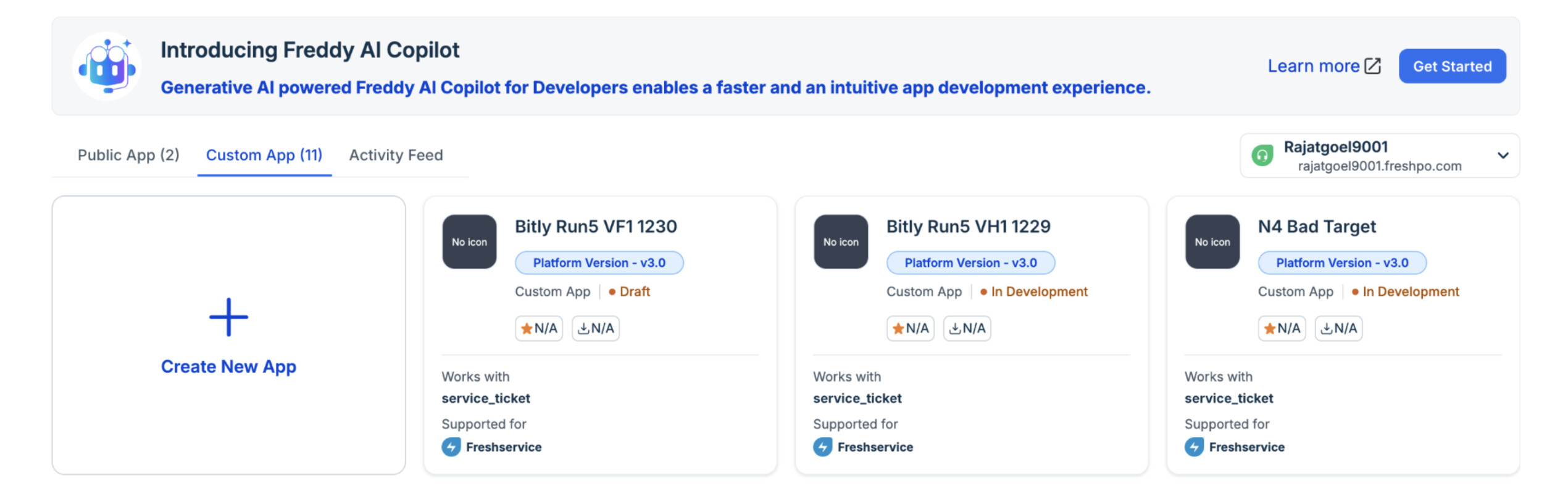
Since custom apps are purpose-built and account-specific and are tied to their respective accounts. Hence, they will be listed under the custom app segment like before
-
For new users, it will prompt subscribe to a product
-
For existing users with a product subscription, it will continue as is
What it means for you
- No more “trial gymnastics”: You shouldn’t have to renew product trials just to preserve an app listing.
- Goodbye to rescue workflows: The cycle of new account creation + ownership transfer requests after an account deletion.
- Predictable ownership: Public app management is explicit and portal-first, so renewals and trials housekeeping are about your environments, not about keeping the storefront record from disappearing.
- Clear separation: Product accounts stay focused on build, test, and operate inside Freshworks products, while the Developer Portal is the home for public app identity and listing management.
FAQ
1. What happens to my existing public apps?
All the Freshworks Apps and External Apps (aka public apps) will move under the public apps segment automatically. If you do not find your app, kindly raise an ownership transfer request to move your apps from the old product account to the developer account via the dev-assist portal.
2. Do I still need to renew my product account subscription I used for app listing?
Since the apps can be managed directly via the developer account, the public apps do not need product subscription or trial accounts to be extended. However, you can still choose to do so for custom app management
3. Do the developer accounts have trial periods, and do they expire?
Developer accounts are long-lived accounts, and they do not expire. Unless the user account becomes dormant or fails to comply with the Freshworks Developer terms, the account will remain active.
We’re eager to hear your feedback!
This is a big step toward making the platform more efficient and developer-friendly. Let us know what you think about this new change.
Regards,
Team Freshworks Developers