We have created a custom app that uses OAuth 2.0. The client id and client secret need to be filled out by Freshservice admin during installation, so we have created the following:
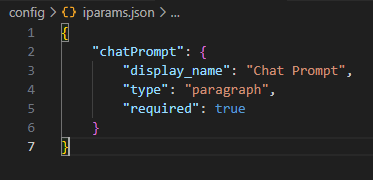
iparams.json
{
“chatPrompt”: {
“display_name”: “Chat Prompt”,
“type”: “paragraph”,
“required”: true
}
}
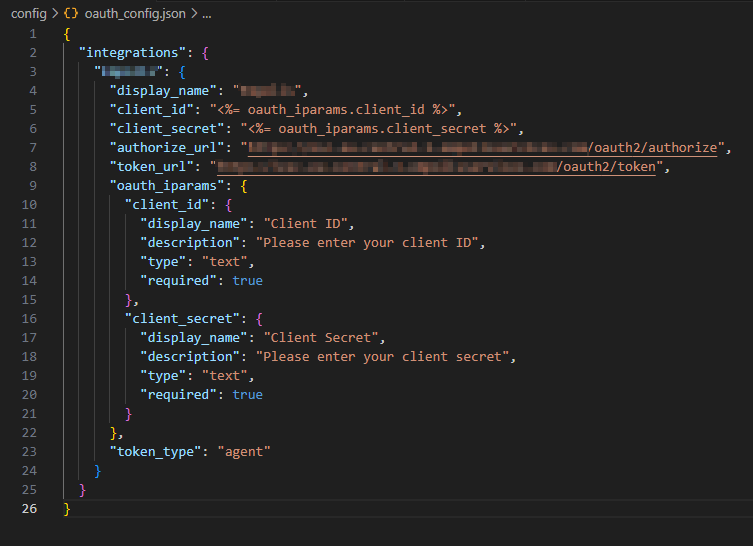
oauth_config.json
{
“integrations”: {
“Test”: {
“display_name”: “Test”,
“client_id”: “<%= oauth_iparams.client_id %>”,
“client_secret”: “<%= oauth_iparams.client_secret %>”,
“authorize_url”: “https://test.com/oauth2/authorize”,
“token_url”: “https://test.com/oauth2/token”,
“oauth_iparams”: {
“client_id”: {
“display_name”: “Client ID”,
“description”: “Please enter your client ID”,
“type”: “text”,
“required”: true
},
“client_secret”: {
“display_name”: “Client Secret”,
“description”: “Please enter your client secret”,
“type”: “text”,
“required”: true
}
},
“token_type”: “agent”
}
}
}
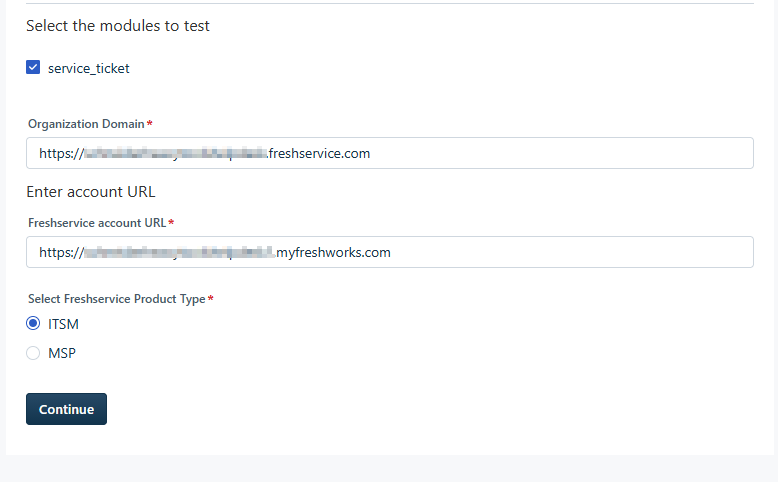
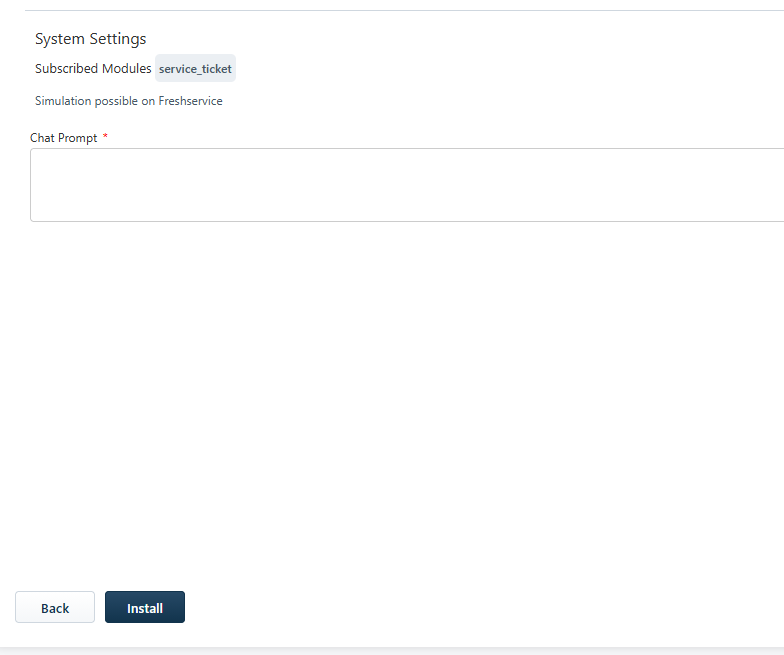
But when we test this app locally using fdk run, the OAuth inputs for client_id and client_secret are not appearing. When we upload the app to a Freshservice account and access the installation page there, it works without issues.