Hi everyone,
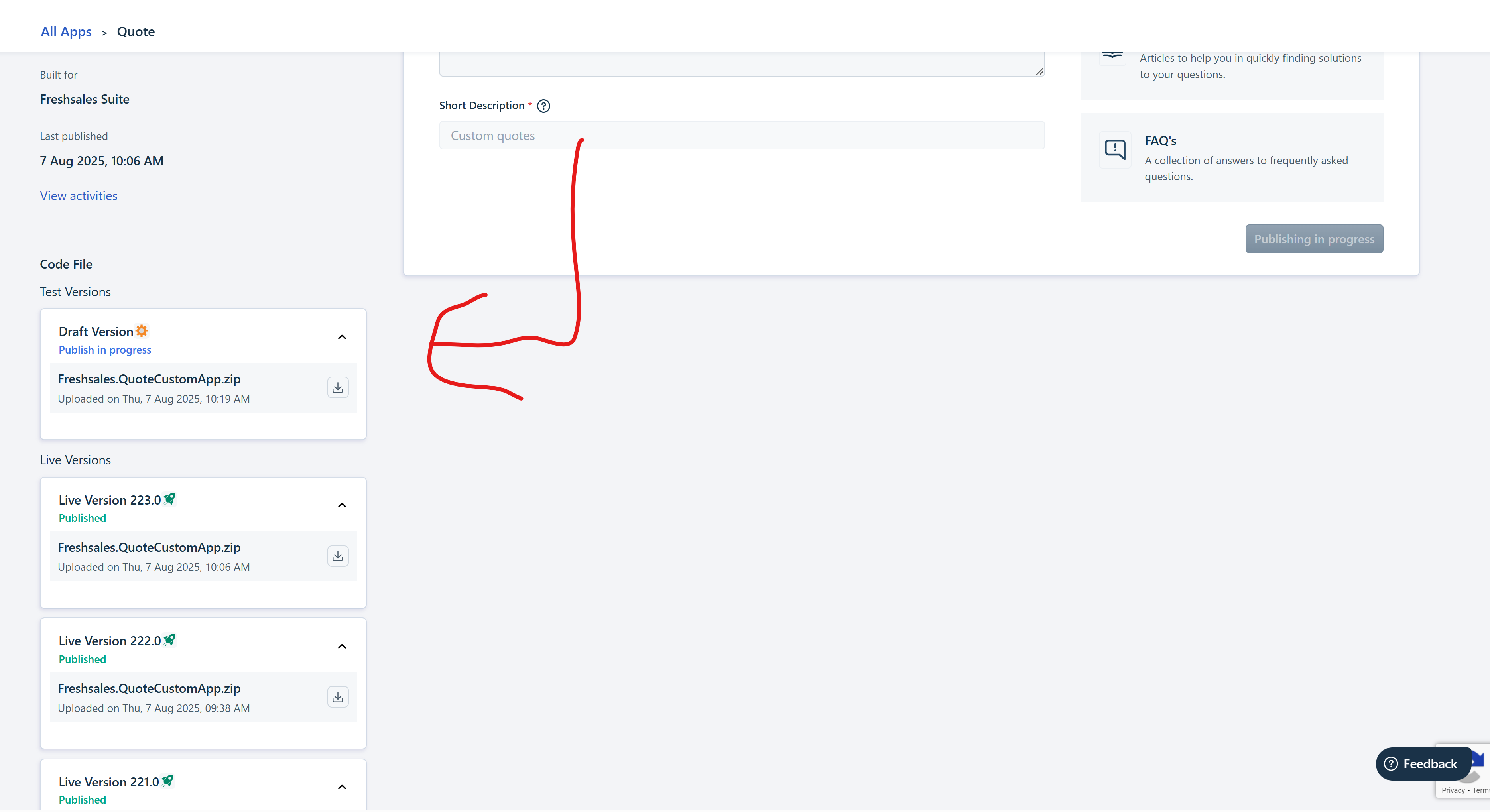
I am trying to upload a new version of our custom app in the Freshsales Crm-sandbox. However it is stuck in Publishing in Progress for the last half an hour. I can’t cancel it and refreshing the page doesn’t work either.
When custom app publishing hangs in “Publishing in Progress” on the developer portal, it is almost always caused by an unhandled timeout in the backend validation pipeline (the static AST scanner, ESLint parser, or iparams schema verification worker).
Here are the most effective ways to diagnose and resolve this state:
Inspect Network Polling for Hidden Errors
Open Chrome DevTools (F12) → Network tab and observe the background polling requests (/api/v2/apps/… or status check endpoints). Very often, the backend Lambda returns an HTTP 500, 504, or a JSON payload containing an internal validation error (such as a syntax issue in iparams.json or prohibited browser API usage) that the frontend UI fails to parse, leaving the progress bar spinning infinitely.
Verify Bundle Size and .fdkignore
Check the archive generated by fdk pack. If files like coverage/, .git/, test mock files, or heavy local assets accidentally got bundled into the root zip, the automated static analyzer will exceed the execution timeout. Ensure your .fdkignore explicitly excludes non-essential build artifacts and keep the uncompressed payload well under the 5MB boundary.
Break the Lock via Version Increment
Since the portal UI disables the upload/cancel buttons during an active deployment, bump the patch version in manifest.json (e.g., from 1.0.0 to 1.0.1) and rebuild with fdk pack. If the portal completely locks the app page, you will need to share the App ID and Account UUID with the Freshworks Developer Support team so they can terminate the orphaned worker task in their queue.