We created a custom app in the Freshservice Developer Portal over a week ago, but it still does not appear under the “In Development” section. We’ve been experiencing this issue for quite some time and would appreciate your assistance in resolving it.
Hi @Sai_Kumar
Are you able to run your app on a local server by using fdk run
HI @arokiya, I have built the app using Freshworks developer portal as i was not able to run it from local.
Hey @Sai_Kumar
Please check the FDK version by running the command fdk -v and let me know the version displayed.
If the version is shown correctly, navigate to your project directory in the terminal and execute the command fdk run. This will start the local server, and you can test your app locally. Please try this and let me know the outcome

Hi @Sai_Kumar
Can you please update your FDK to the latest version? The current FDK version is 9.6.0. After updating, please run fdk run again and let me know what happens.


Hi @Sai_Kumar
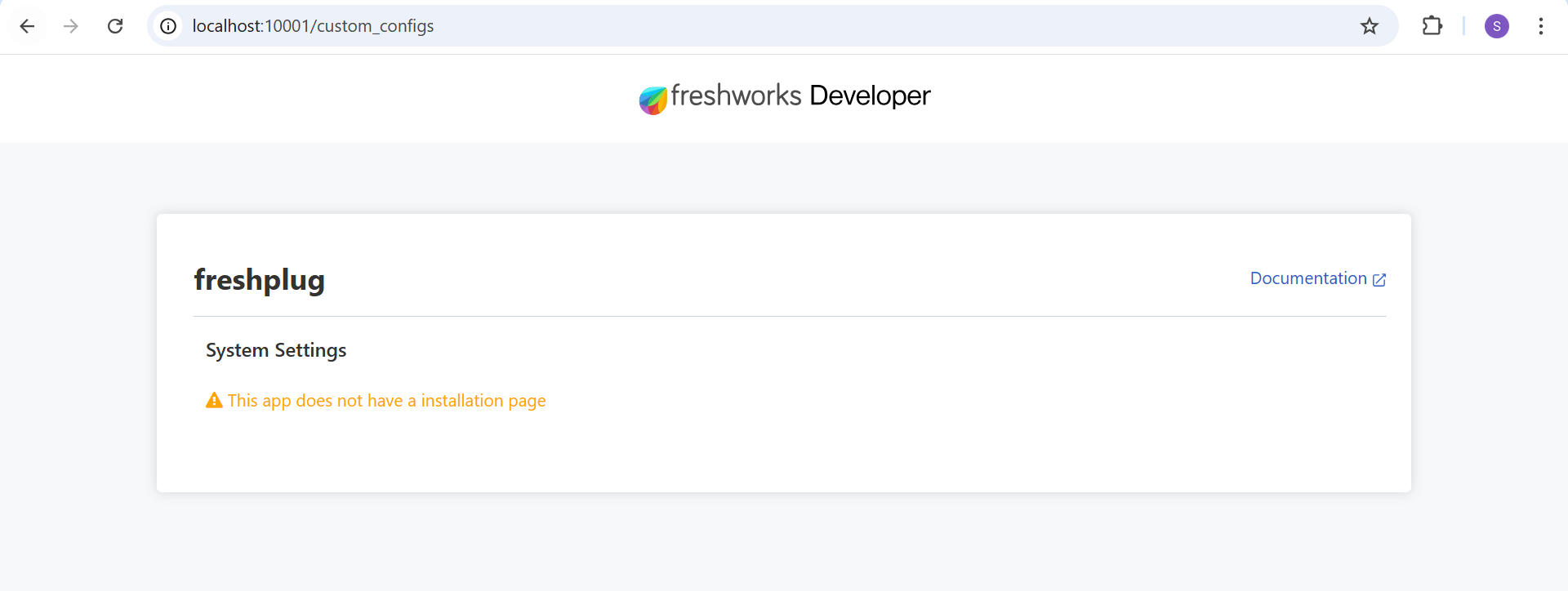
Do you have either of these files in your project: iparams.json or iparams.html? If yes, please paste this URL (http://localhost:10001/custom_configs) into your browser, and you will be able to view your settings page.
Hey @Sai_Kumar
Can you include the input fields in iparams.json as per the requirements? You can follow this documentation to create input fields in iparams.json so that you can view those input fields, then you can find your app in the In development section.
Currently, am able to see the app is in In Development section. When clicking on install, the app has installed. But I was not able to see it in the portal anywhere.
What do you mean by ‘portal’? Do you mean the app location?
Yes, thats correct @Kithiyon
Hey @Sai_Kumar
Can you share the code in your manifest.json file? Please mask the sensitive content.
{
“platform-version”: “2.3”,
“product”: {
“freshservice”: {
“location”: {
“ticket_requester_info”: {
“url”: “index.html”,
“icon”: “styles/images/icon.svg”
}
}
}
},
“engines”: {
“node”: “18.20.8”,
“fdk”: “9.6.0”
}
}
Hello @Sai_Kumar
Can you open the following URL in your browser: https://domain.freshservice.com/helpdesk/tickets/1?dev=true? Don’t forget to replace domain with your actual domain. Refer to this documentation to locate the app.
This topic was automatically closed 90 days after the last reply. New replies are no longer allowed.