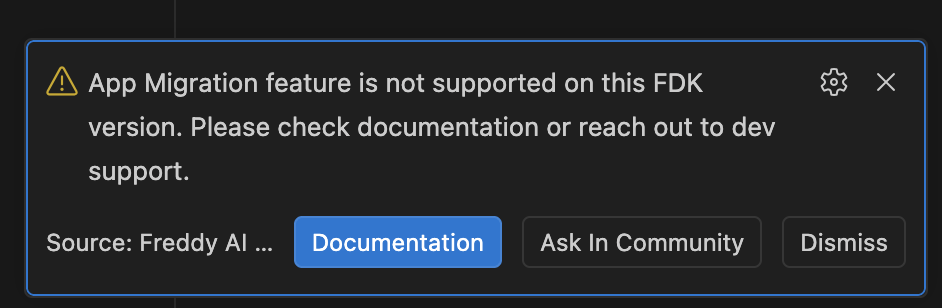
Unable to determine installed FDK version

I’m trying to use “AI-Assisted App Migration” feature of Freddy Copilot in VSC. After clicking I get this error:

Unable to determine installed FDK version. Ensure fdk_path in extension settings is correct and restart VSCode to continue.

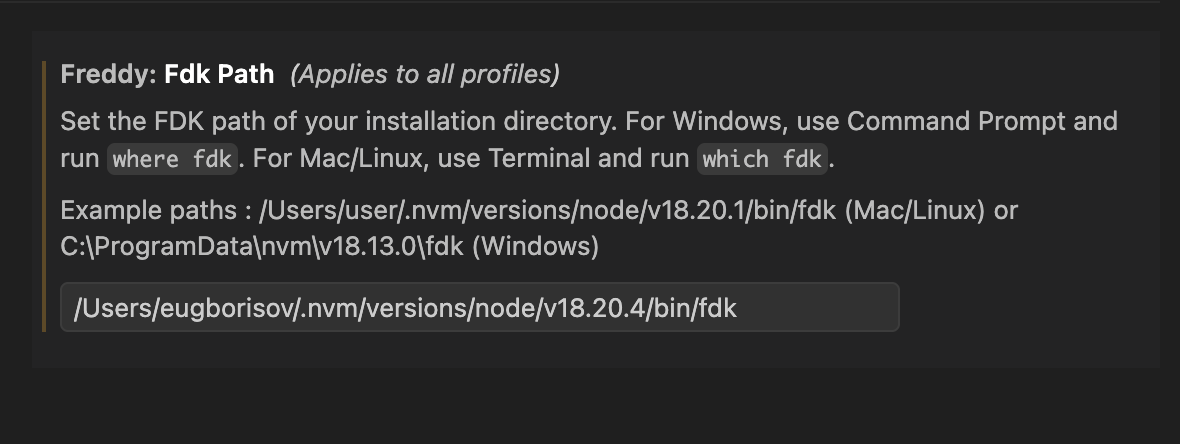
The fdk_path is correct. Please find the screenshots attached.

f

Hi @eugborisov,

Please review our Compatibility Matrix and confirm the following details from your setup:

  • What is your default Node.js version?

  • What is the default terminal configured in your VS Code?

Regards,
Himanshu

Hi @Himanshu_Sharma ,

My default Node version is v18.20.4
My fdk is 9.8.2

I switched to zsh as default terminal and now i get another error after clicking on “AI-Assisted App Migration” button: “App Migration feature is not supported on this FDK version. Please check documentation or reach out to dev support.”

Hi @eugborisov,

The “AI-assisted app migration“ support for FDK version 9.8.2 is scheduled for release this coming Monday.

If your requirement is urgent, you can downgrade your FDK to a supported version (9.1.0-9.8.0) to proceed immediately. Otherwise, I will update you as soon as the deployment is live on Monday.

Regards,
Himanshu

Hi @eugborisov,

“AI-assisted app migration“ is now live for FDK version 9.8.2.

Regards,
Himanshu

It works now, thank you!

1 Like