Hi all,
I’m getting started with my first custom app in FreshService and am running into a few hurdles at the start. I’ve followed the instructions to the letter and am attempting to run my app with &dev=true in my tickets module, but the app never shows in the ticket sidebar.
My manifest.json is as follows:
{
  "platform-version": "3.0",
  "modules": {
    "service_ticket": {
      "location": {
        "ticket_sidebar": {
          "url": "index.html",
          "icon": "styles/images/icon.svg"
        }
      }
    }
  },
  "engines": {
    "node": "18.12.1",
    "fdk": "9.8.2"
  }
}
When I refresh with &dev=true in the URL it seems to load, or at least it says that it is being served:
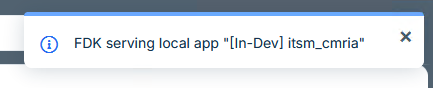
What am I missing? Here’s a few things I’ve already tried:
- Deleting my .fdk folder in the root of the app
- Allowing insecure content in my browser
- Adding an installation scope for “client_workspace”, which made it appear in the Manage Apps panel, but after installing it still didn’t do anthing
Any tips would be greatly appreciated.
Thanks
Nat