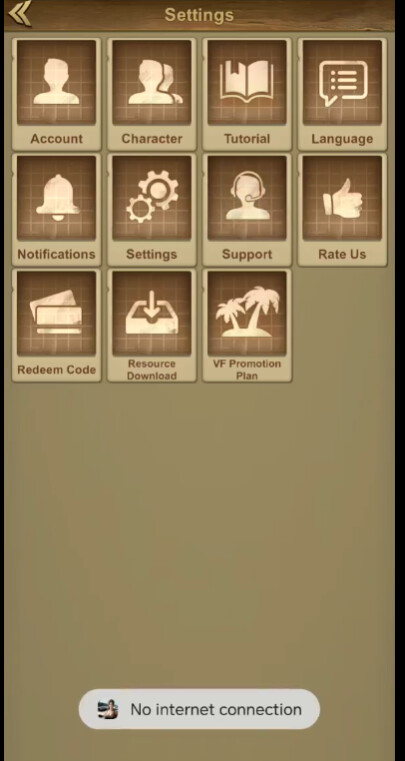
Hi @lijun_liu, init succeeding but openSupport showing “No internet connection” usually means the SDK couldn’t reach your Freshdesk portal when opening the UI. Check these in order:
1. Wait for the init callback (most common)
initialize() returning ≠ SDK ready. Only call openSupport inside the callback:
// Application.onCreate()
FreshdeskSDK.initialize(this, sdkConfig) {
    isSdkReady = true  // gate your Support button on this
}

// Activity - on button click
if (isSdkReady) FreshdeskSDK.openSupport(this)  // Activity context, not applicationContext
2. Verify SDKConfig.host
Use the full portal URL from Admin → Mobile Chat SDK:
host = "https://yourcompany.freshdesk.com"  // ✅
// NOT: "yourcompany" or "yourcompany.freshdesk.com" without https
A bad host often surfaces as a no-network error, not an auth error.
3. Enable debug logging
Set debugMode = true and check Logcat when tapping Support - look for connection/SSL/host errors:
SDKConfig(..., debugMode = true)
4. Confirm real connectivity to Freshdesk
On the same device/network, open your portal URL in Chrome. If it fails, check VPN, corporate firewall, or regional restrictions blocking *.freshdesk.com.
5. JWT (if enforced)
If JWT enforcement is on in the portal, pass a valid signed jwt in SDKConfig - missing/invalid JWT can block the widget from loading.
Quick checklist
| Check |
Expected |
openSupport called after init callback |
Yes |
Context passed to openSupport |
Activity, not Application |
host format |
https://<subdomain>.freshdesk.com |
| Portal reachable in mobile browser |
Yes |
debugMode Logcat output |
No SSL/404/connection errors |
If all of the above pass, share your SDKConfig (redact token/JWT), Android version, and relevant Logcat lines - we can dig further.
Docs: freshdesk-android-sdk → Troubleshooting