Hi everyone,
I’m experiencing an issue while updating screenshots for our Freshworks Marketplace listings and would appreciate any guidance.
Context:
- Apps: Import Data to Freshdesk and Data Import to Freshservice
- One app is already approved, the other is still under review
- I only updated the listing text and screenshots (no functional changes)
Issue:
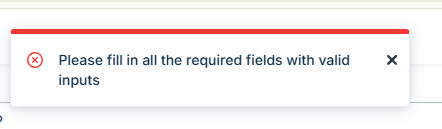
When I try to upload new screenshots, the Marketplace does not save the changes and returns the error:
“Please fill in all the required fields with valid inputs.”
What I’ve tried so far:
- JPG and PNG formats
- Different image sizes (within Marketplace limits)
- Renaming image files
- Re-uploading and saving multiple times
The error persists regardless of the format or size.
Has anyone encountered a similar issue with screenshot updates in the Marketplace?
Any insights or workarounds would be greatly appreciated. Thanks in advance.
